Table of content
Getting Started
Workspace & User Interface
Mastering Cygon
Assets & World Building
Workflow and export
Troubleshooting & Support
Assets & World Building
Link Editor Guide
The Link Editor is a dedicated mode designed to visualize and manage connections between 3D scene elements like walls, floors, and stairs, while keeping the interface clean and readable.
Activating the Mode
Once selected, the scene switches to a streamlined view:
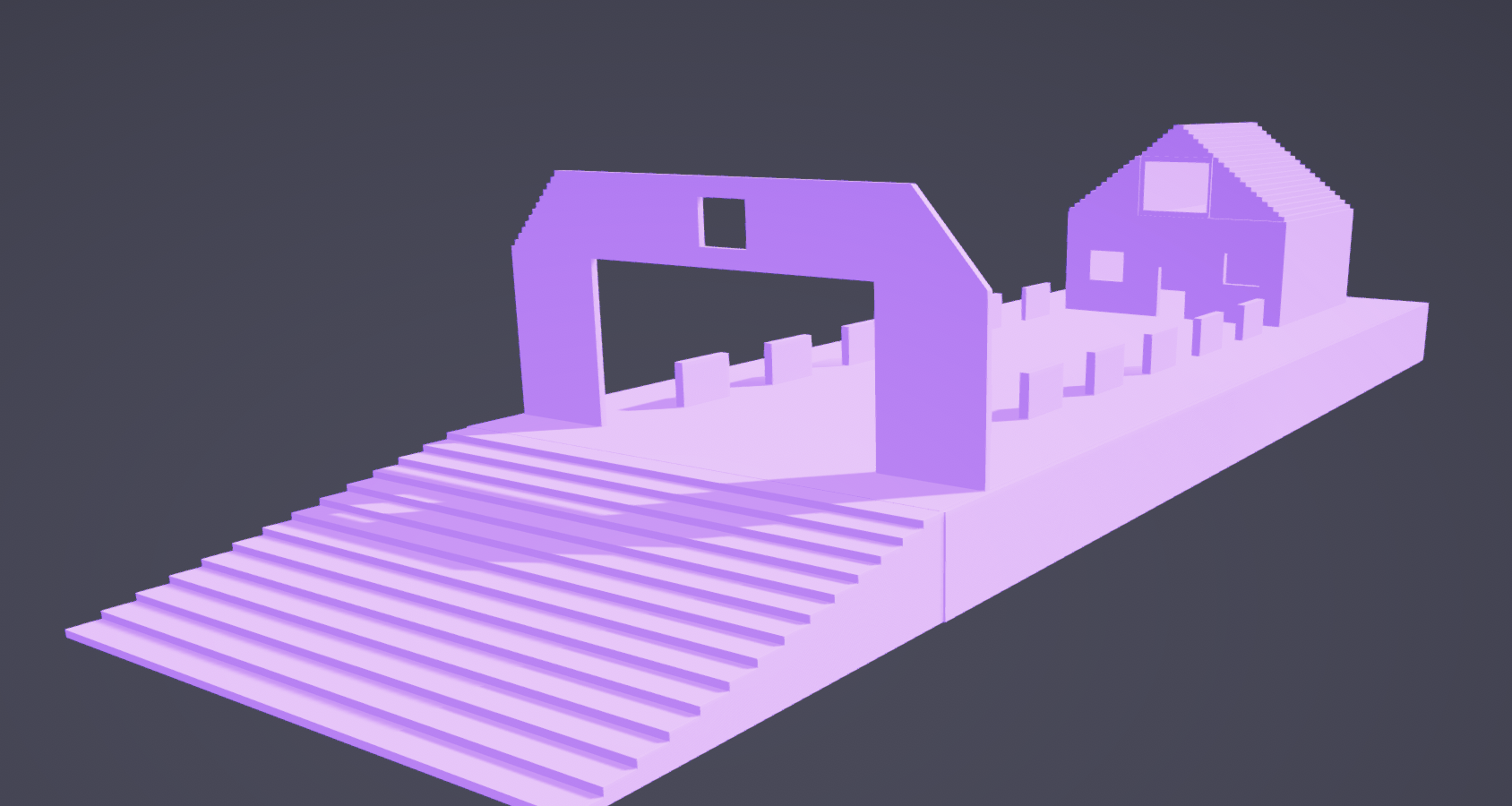
- The floor grid is hidden.
- Transformation gizmos disappear.
Interaction & Hover
When you hover over an element:
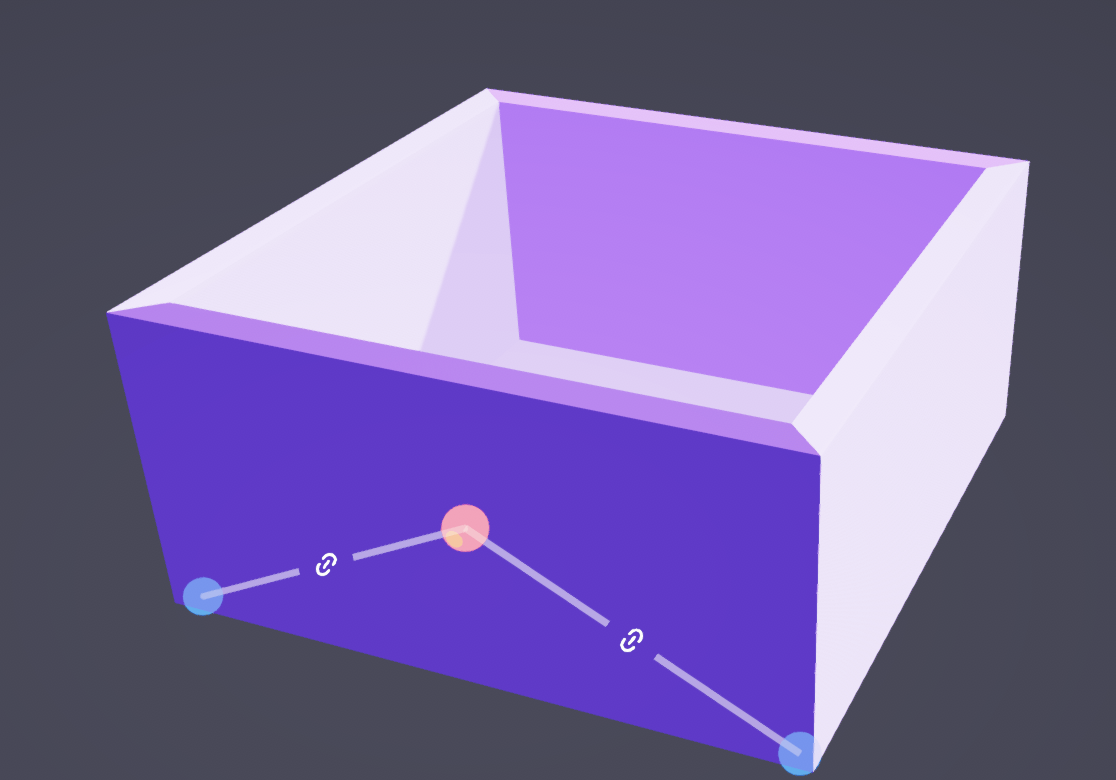
- The center point appears with all existing links.
- All existing links from that point appear as lines leading to neighboring nodes.
- Neighbor Status: Adjacent nodes appear blue if a link already exists, or green if the element is eligible for a new connection.
- Everything fades away once the cursor moves off the element, unless a click was performed.
Editing Links
Clicking a node activates edit mode:
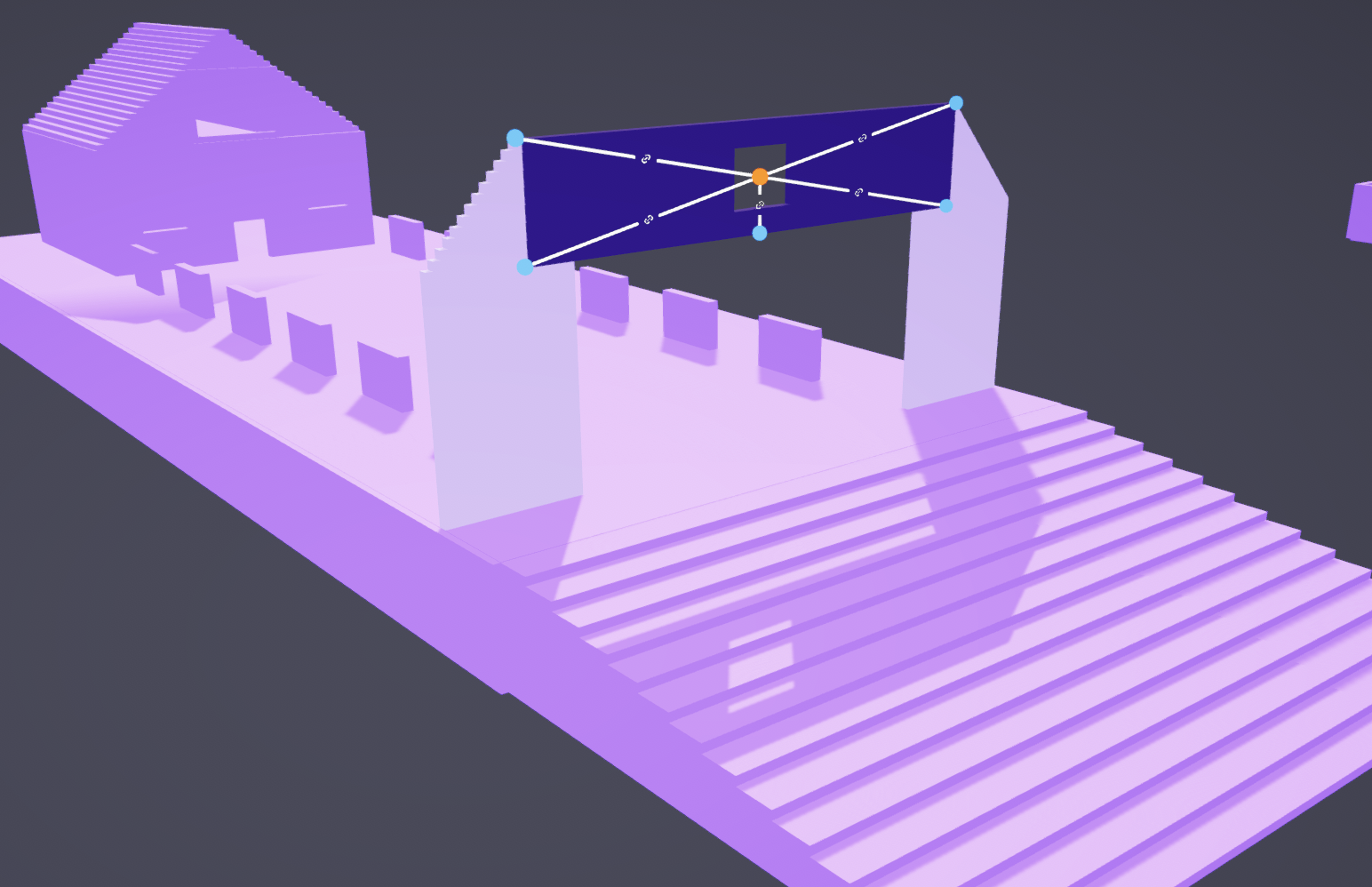
- Existing links become solid, animated dashed lines with full opacity.
- Eligible, non-linked elements appear semi-transparent blue with a "+" icon.
- Ineligible elements (too far) keep the default color.
Managing Connections:
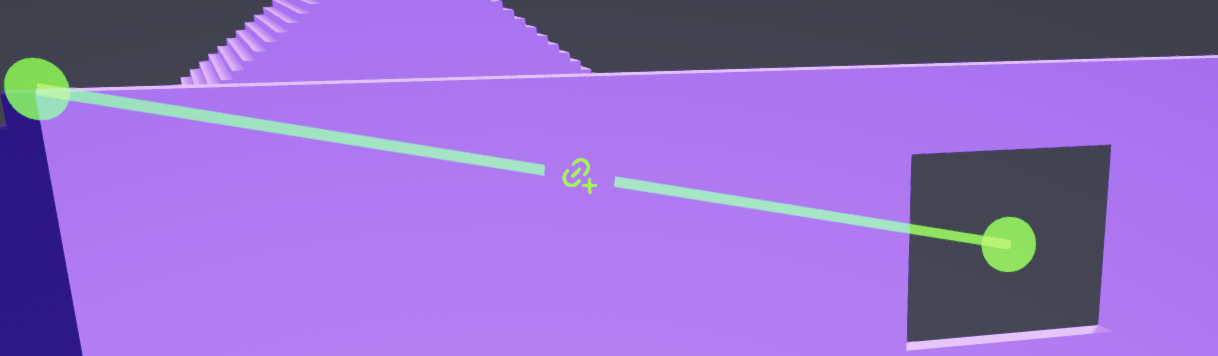
- Create: Hover over a blue line until it snaps, becomes a solid line, and displays a "+". Click to confirm, and the line will turn green
- Delete: Hover over a line or a node until it snaps and shows a delete icon. Click to remove it. The target node will revert to green. The delete icon only appears during snapping to keep the scene clean

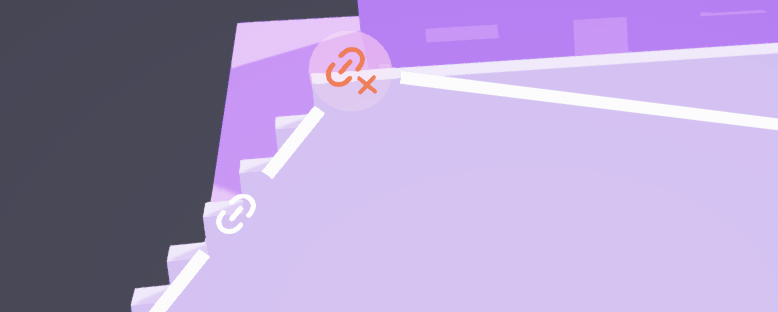
Table of content
Cygon is live
Start building your next environment today
No credit card. No time limit. Your first blockout is 30 minutes away.