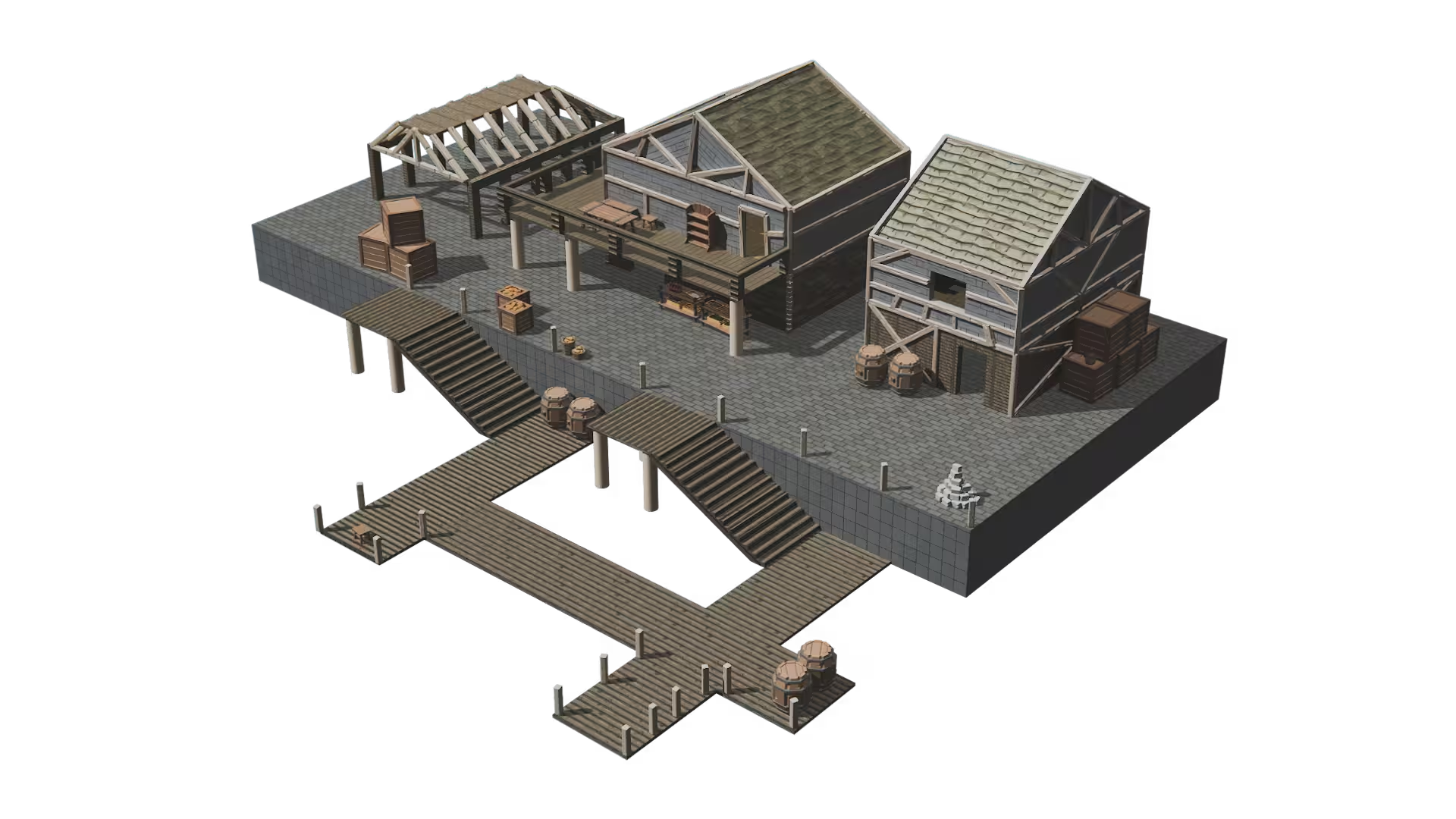
Only the tools you need, when you need them
iterating on game environments at the speed of thought. Test ideas the moment you have them, cut the dead ends in seconds, and push the promising ones as far as they go







They trust our vision
From idea to engine in three steps.
No setup phase, no learning curve. This is the whole workflow, from the first time you open Cygon.
Start
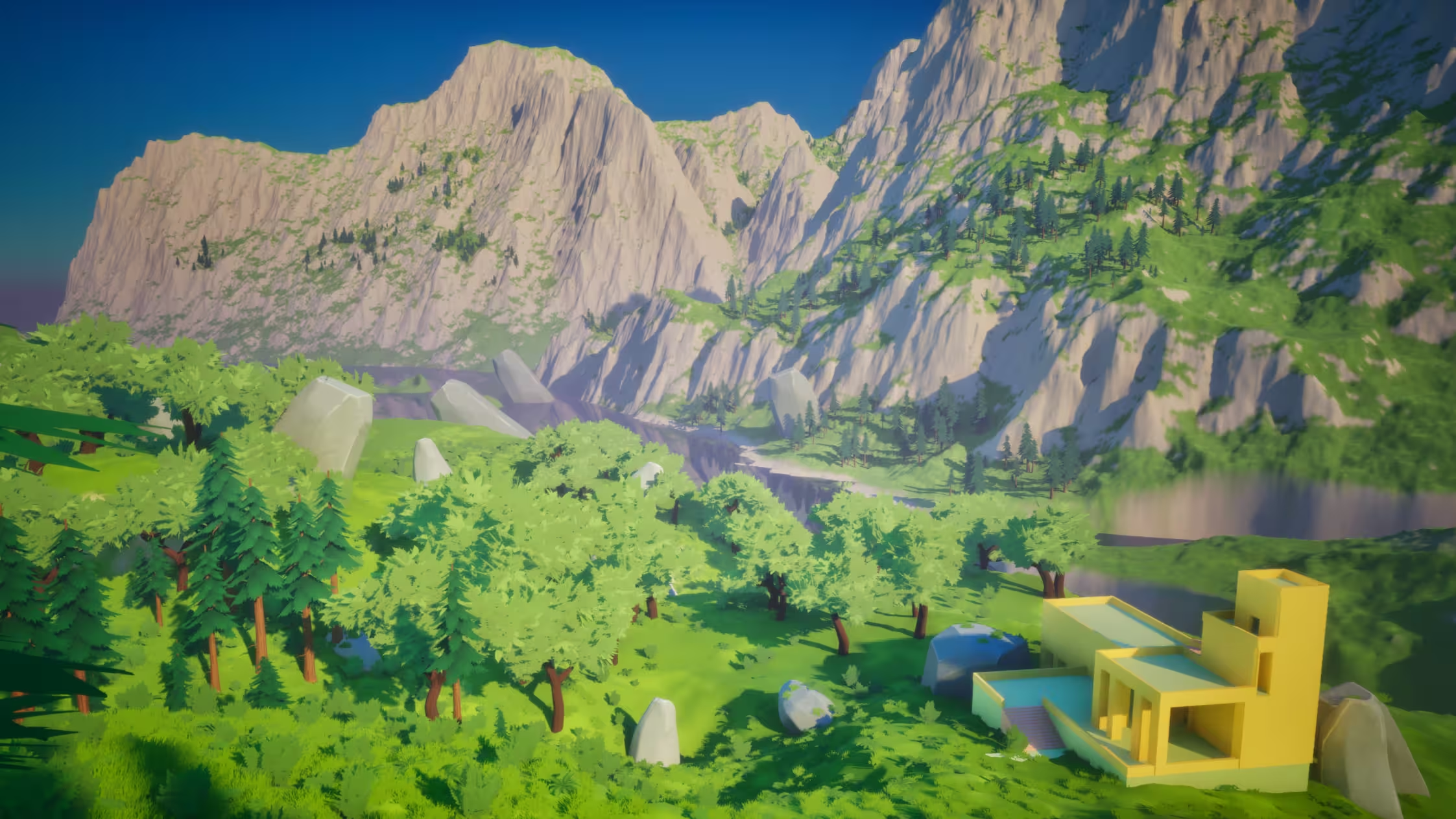
Open a blank scene or drop in your concept art. No configuration step: your first volumes stand in under two minutes.
Build
Shape the layout with tools made for spatial thinking. Elements link themselves as you place them, and a full walkable blockout takes about 30 minutes.
Test and export
Play the layout in Unreal, Unity or Godot through Cygon Link, adjust in Cygon, then hand production a level that has already been played. One click, zero cleanup.
Test in your engine. Adjust in Cygon. Repeat.
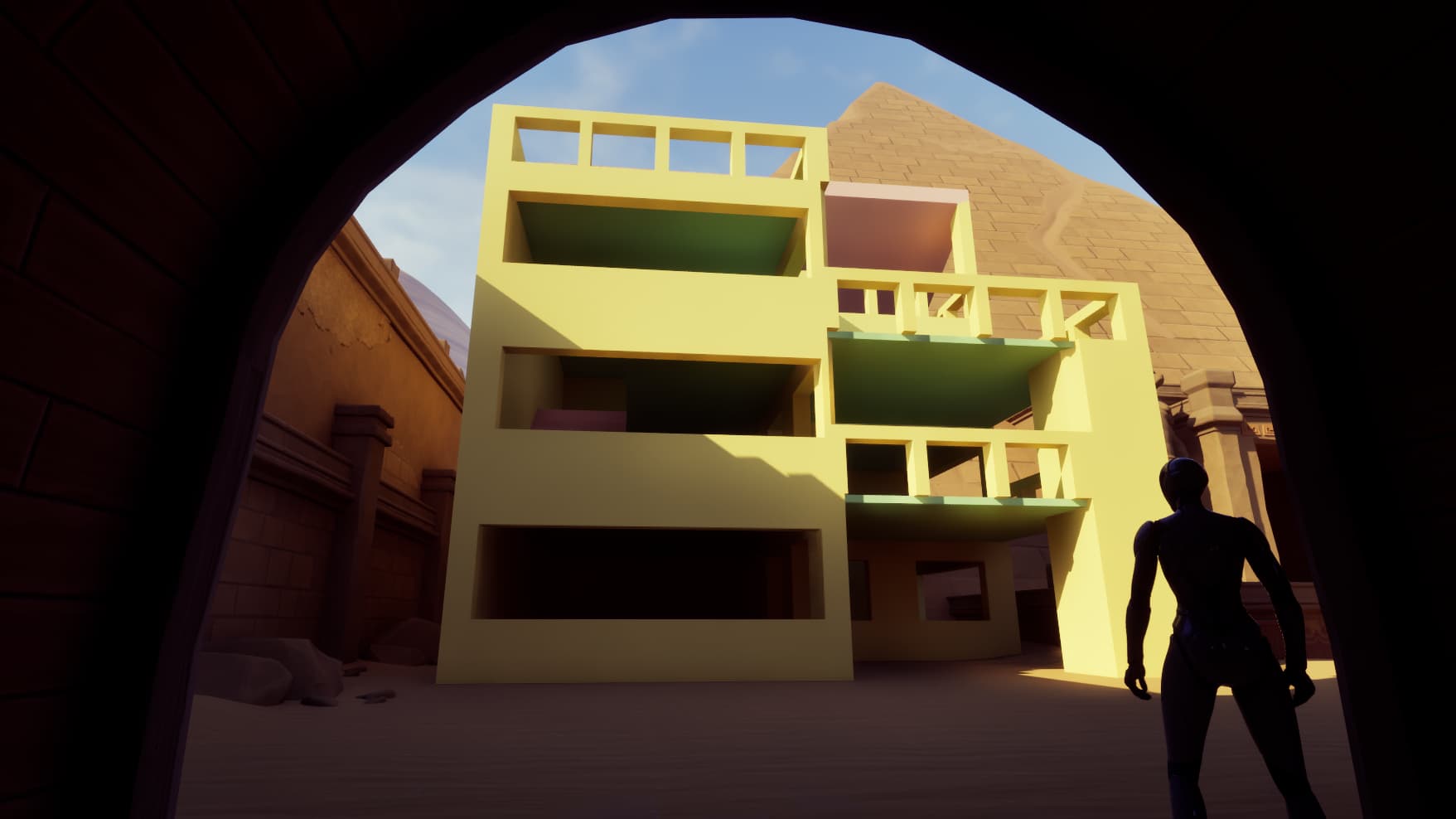
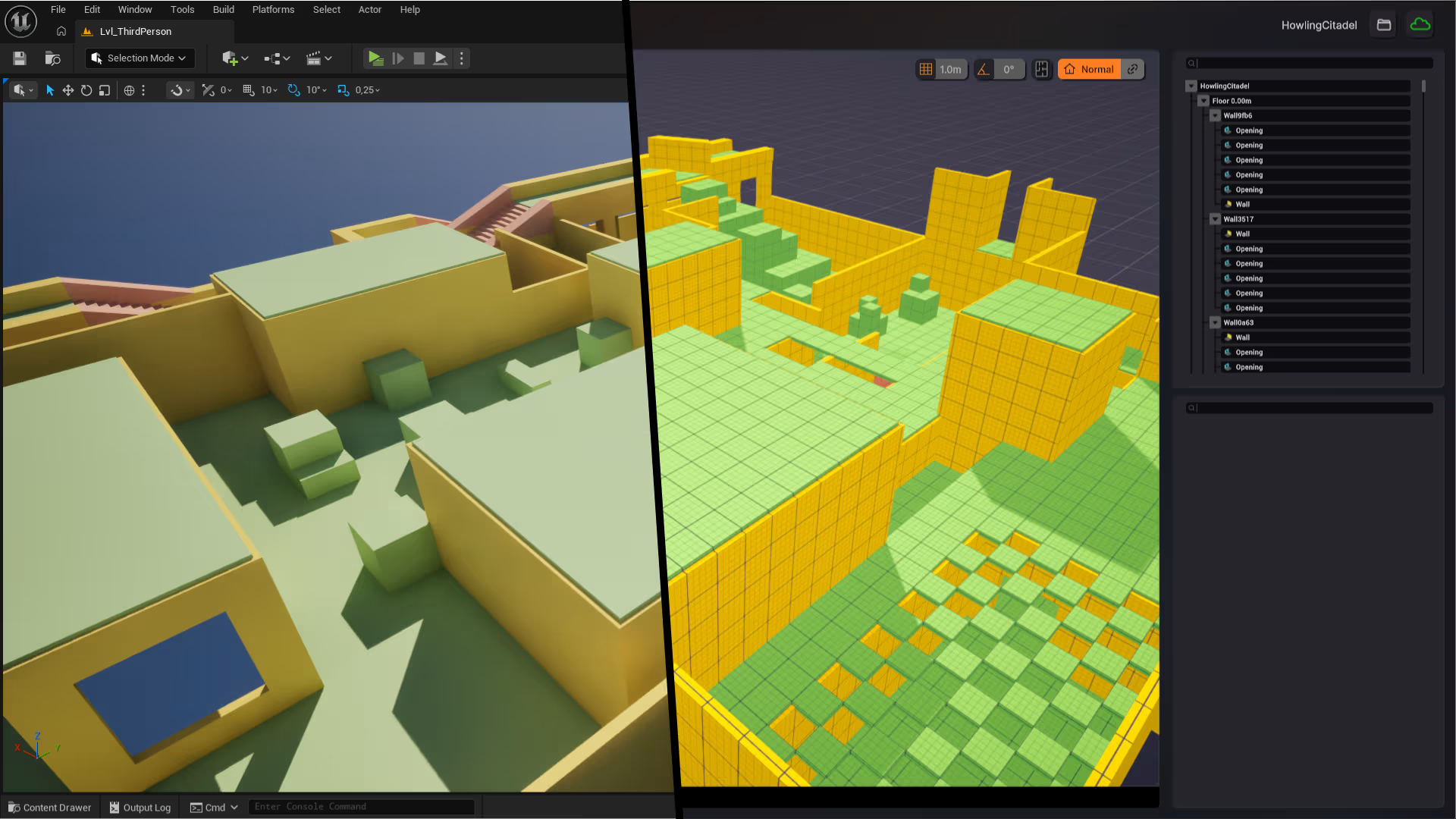
Cygon Link syncs your environment straight into your engine, so you stop guessing what a layout will feel like in game. Test in real conditions, jump back into Cygon to adjust, and iterate faster than ever. The back-and-forth that used to cost you a day now costs you seconds.
One live link to your engine
Cygon Link connects your environment to Unreal, Unity or Godot and keeps it in sync as you work.
Test in real conditions
Play your layout inside your engine to feel scale, pacing and sight lines exactly as your players will.
Adjust without losing a second
Jump back into Cygon, change what needs changing, and see it reflected in-engine right away no re-export.
Only the buttons you need, when you need them.
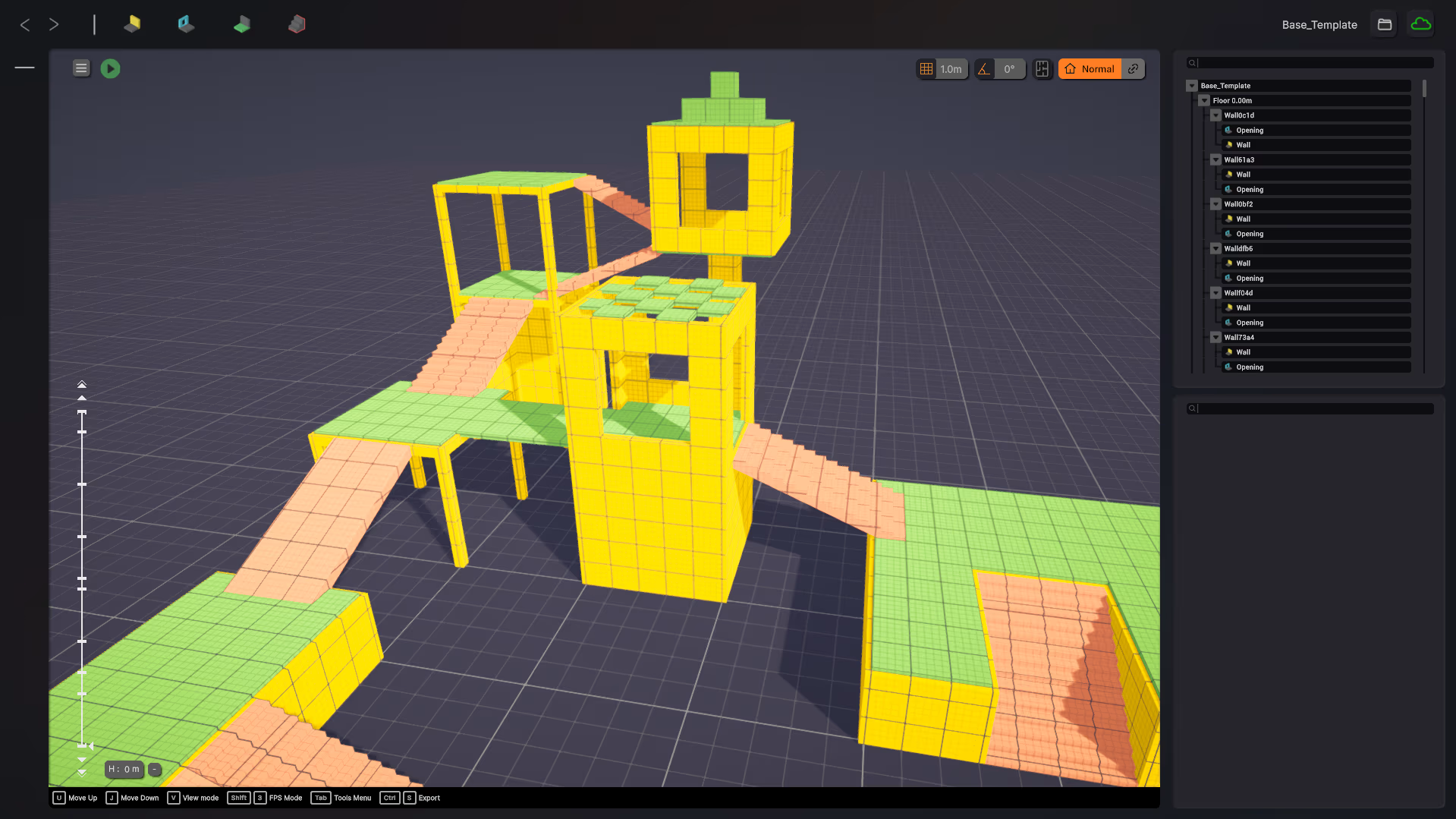
We all know the kind of software where every tool for every job is on screen at once. Cygon is the opposite. UX is at the core of how it is designed. When you are blocking out volumes, you are not applying textures, not importing, not UV mapping. Each moment shows you only what that moment needs.
Height manager
Simplified control of your build's height. Cygon detects floors on its own and lets you navigate between them effortlessly.
Drag and drop assets
Place props with a simple drag and drop. No import dialog, no setup, just grab and place.
Effortless placement
Want a wall from here to there? That is the whole interaction. You decide where things go, Cygon handles how they get built.
Build the level, not the busywork.
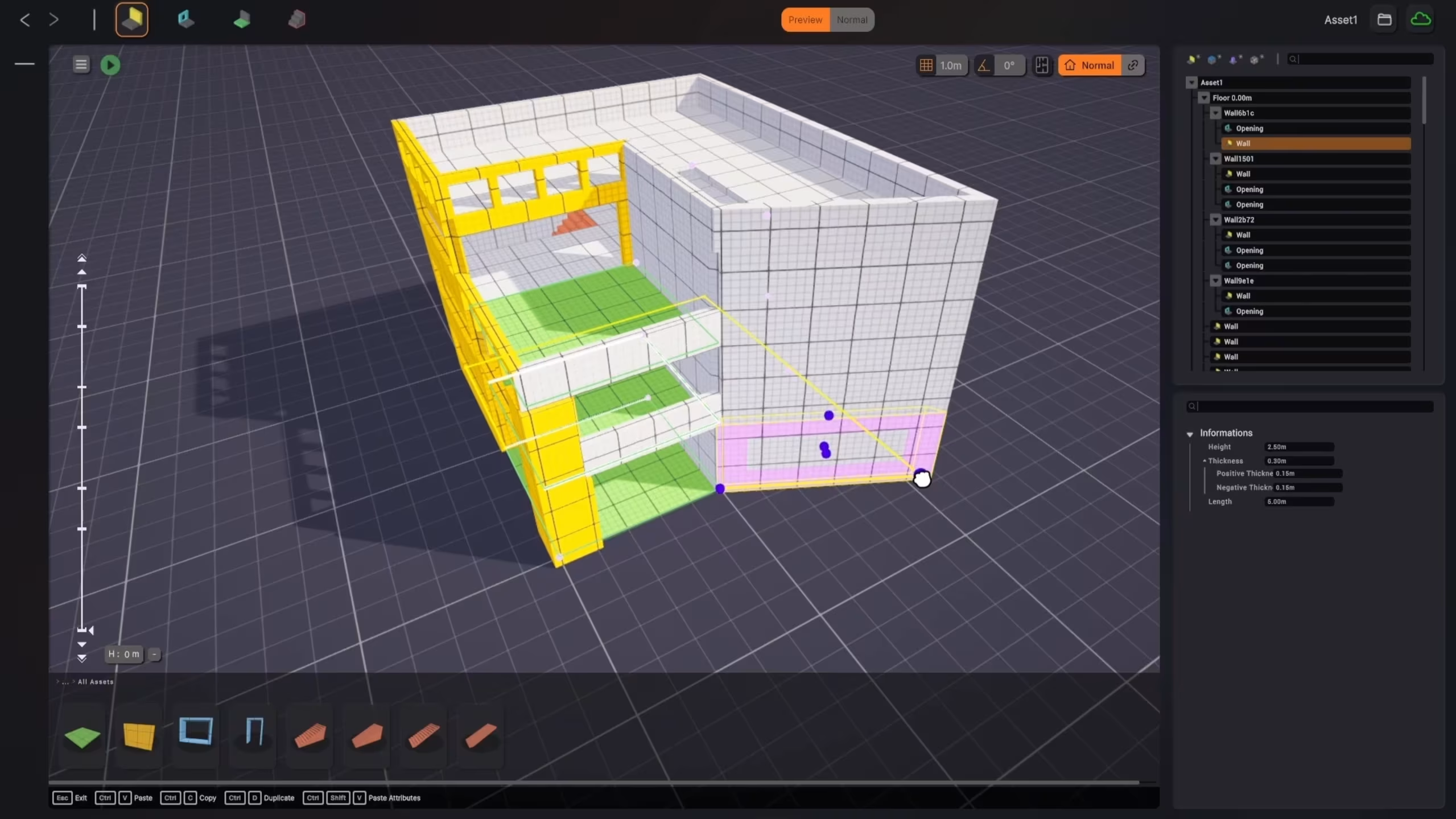
A Cygon level is a living structure where every element is linked. Modifications propagate intelligently, so you stop making manual adjustments by hand and start moving at the speed of your ideas. Drag, drop, reshape. Think about what to do, not how to do it.
Elements link themselves
Automatic detection connects your objects as you build. Walls, floors and props understand how they fit together with no manual setup.
Edits propagate on their own
Change one element and every connected one updates with it. Your objects are truly aware of each other and understand their environment, so the whole scene stays coherent while you iterate.
See and edit the links
An ultra-intuitive interface lets you visualize the relationships between objects and adjust them in a click. Full control over the structure, none of the complexity.
Fits into your pipeline
Cygon sits at the start of your workflow, not in competition with the tools you already use.
Native app
Native app

How the handoff works
Cygon Link carries your geometry, materials, and lighting properties directly into your engine. One click. No manual export, no data loss, no re-import cycle.
Start building your next environment today
No credit card. No time limit. Your first blockout is 30 minutes away.