Ease of use
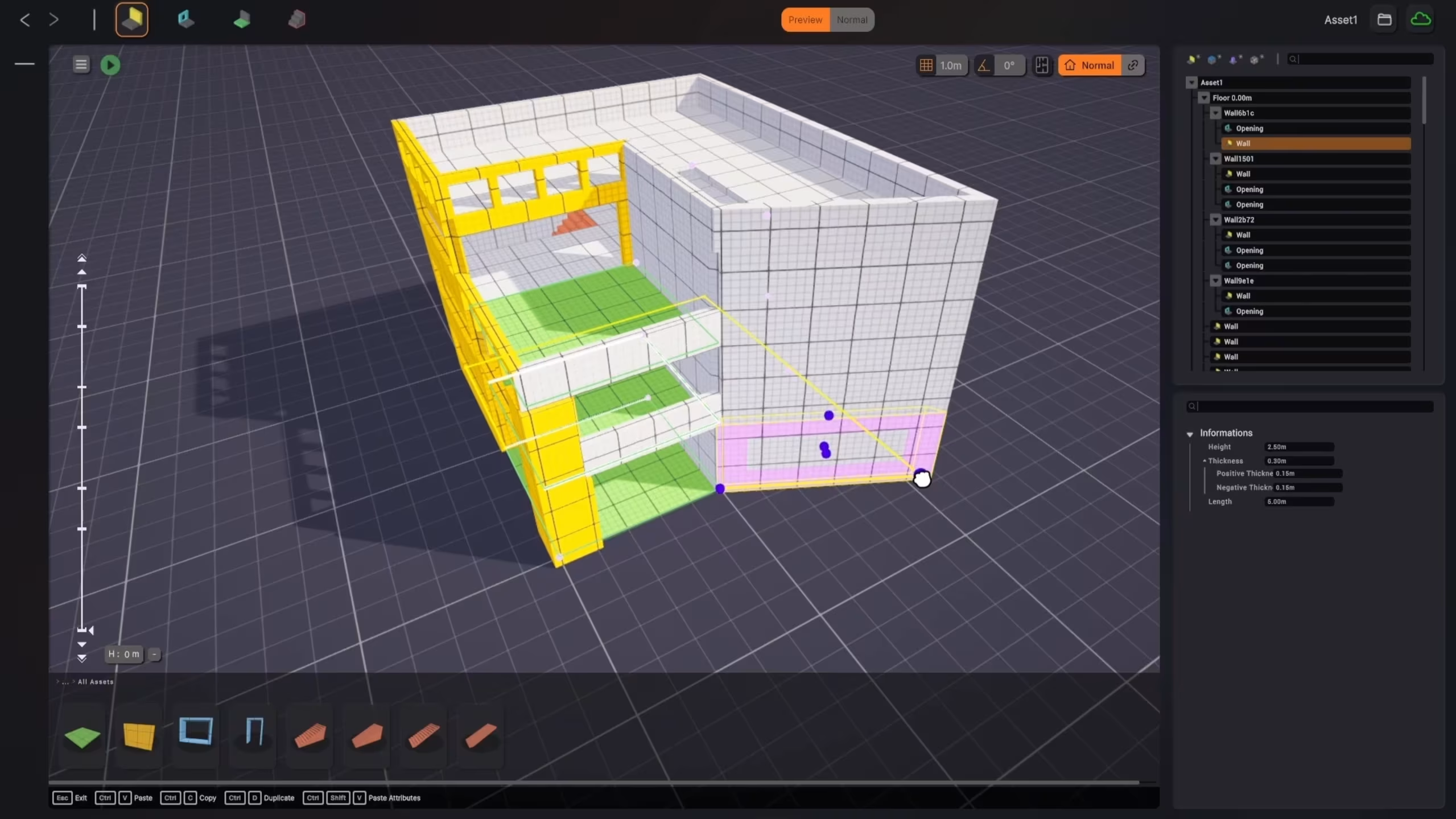
We all know the kind of software where every tool for every job is on screen at once. Cygon is the opposite: each moment shows you only what that moment needs.
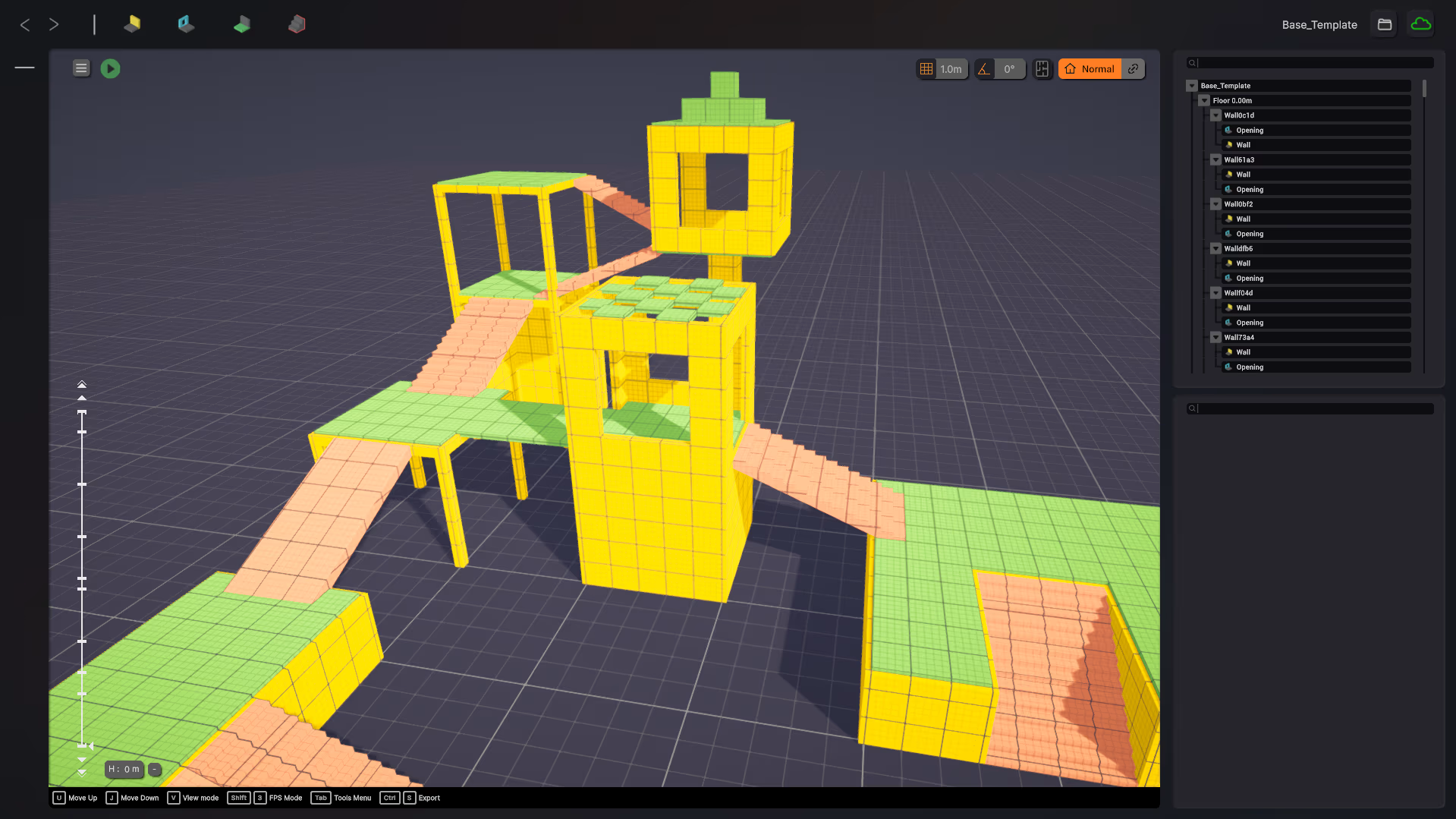
Only the buttons you need, when you need them.
We all know the kind of software where every tool for every job is on screen at once. Cygon is the opposite. UX is at the core of how it is designed. When you are blocking out volumes, you are not applying textures, not importing, not UV mapping. Each moment shows you only what that moment needs.
Simplified control of your build's height. Cygon detects floors on its own and lets you navigate between them effortlessly.
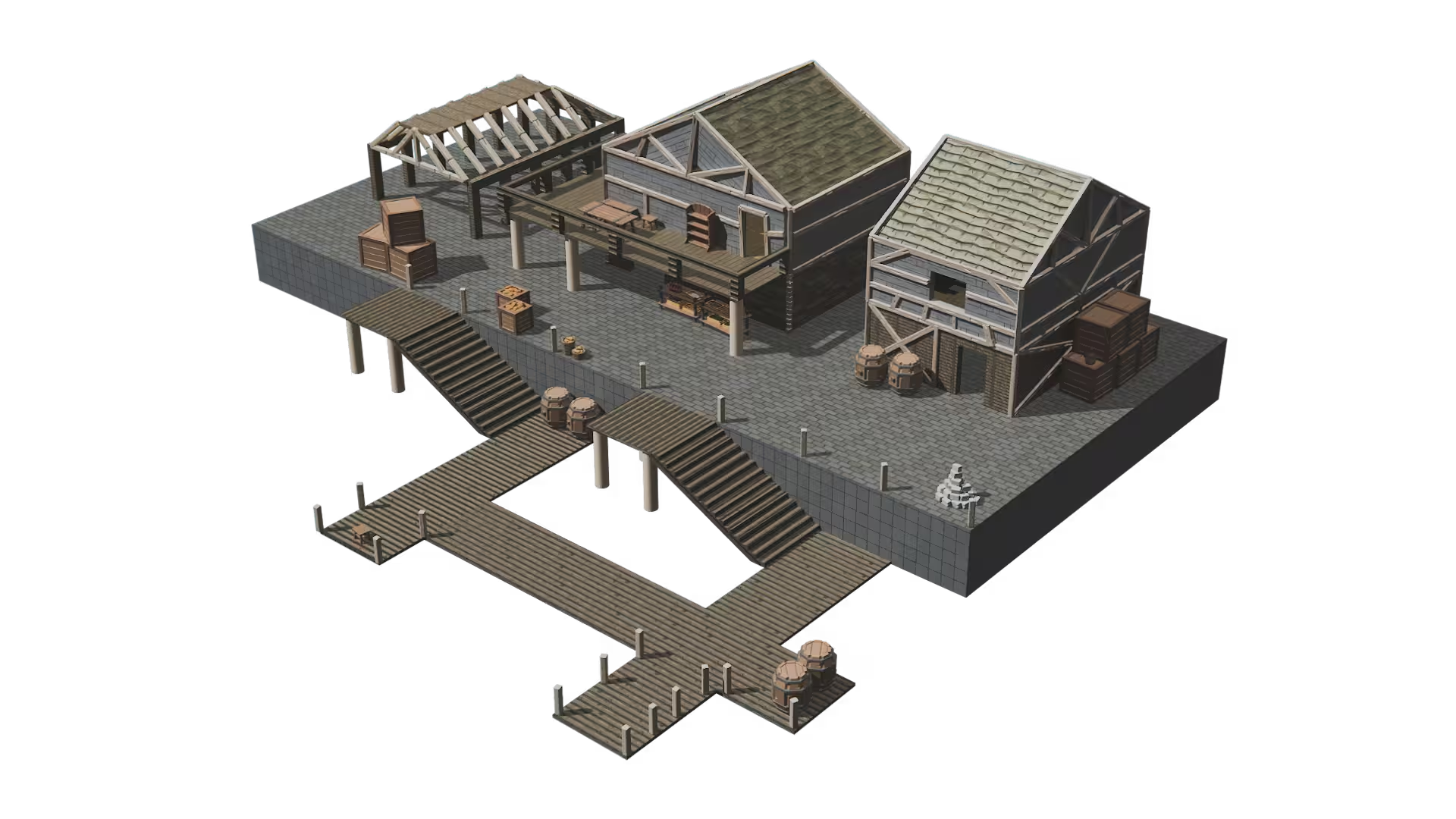
Place props with a simple drag and drop. No import dialog, no setup, just grab and place.
Want a wall from here to there? That is the whole interaction. You decide where things go, Cygon handles how they get built.
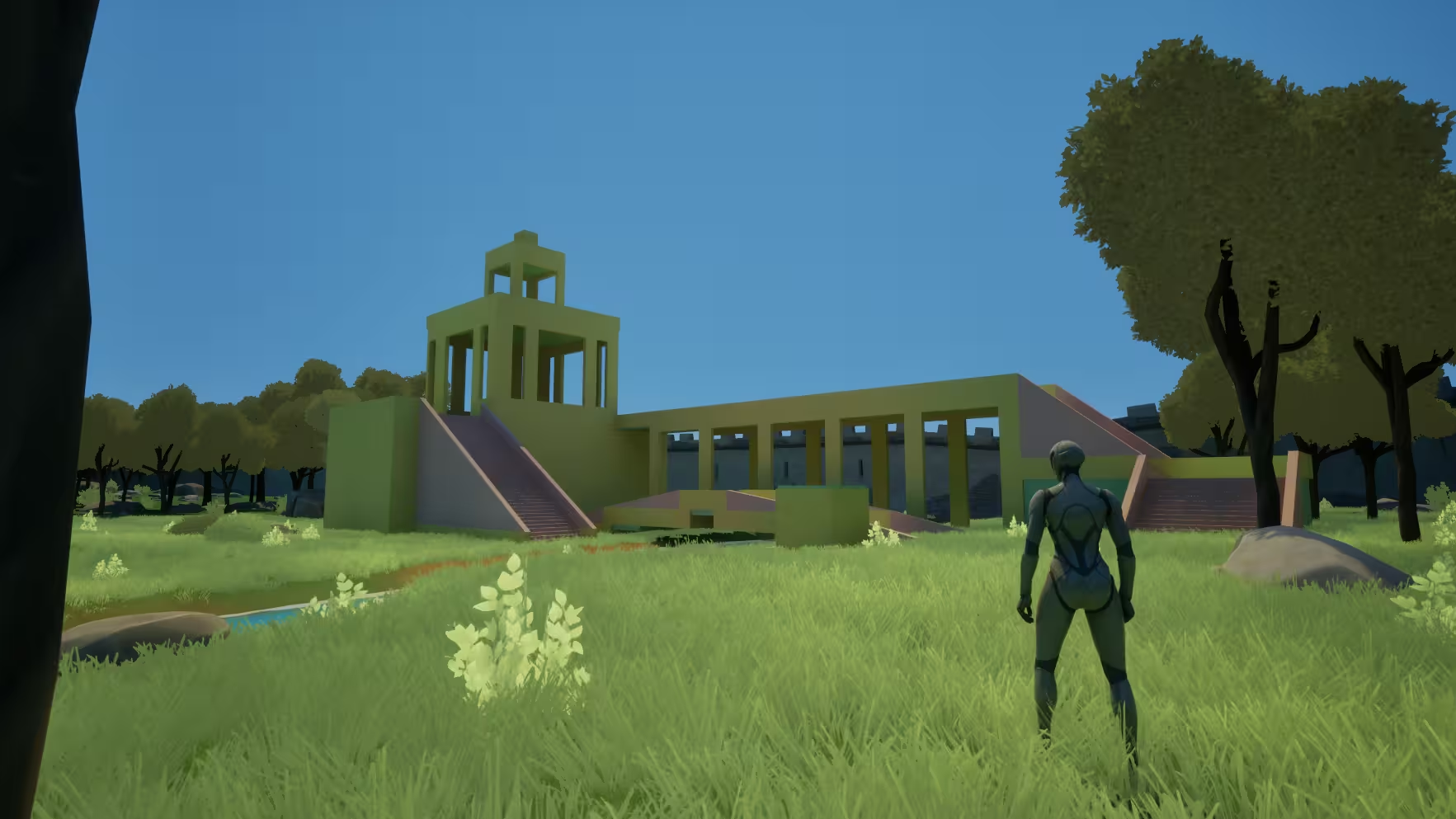
Place, don't configure
Walls, openings and staircases appear as fast as you can point to where they go.
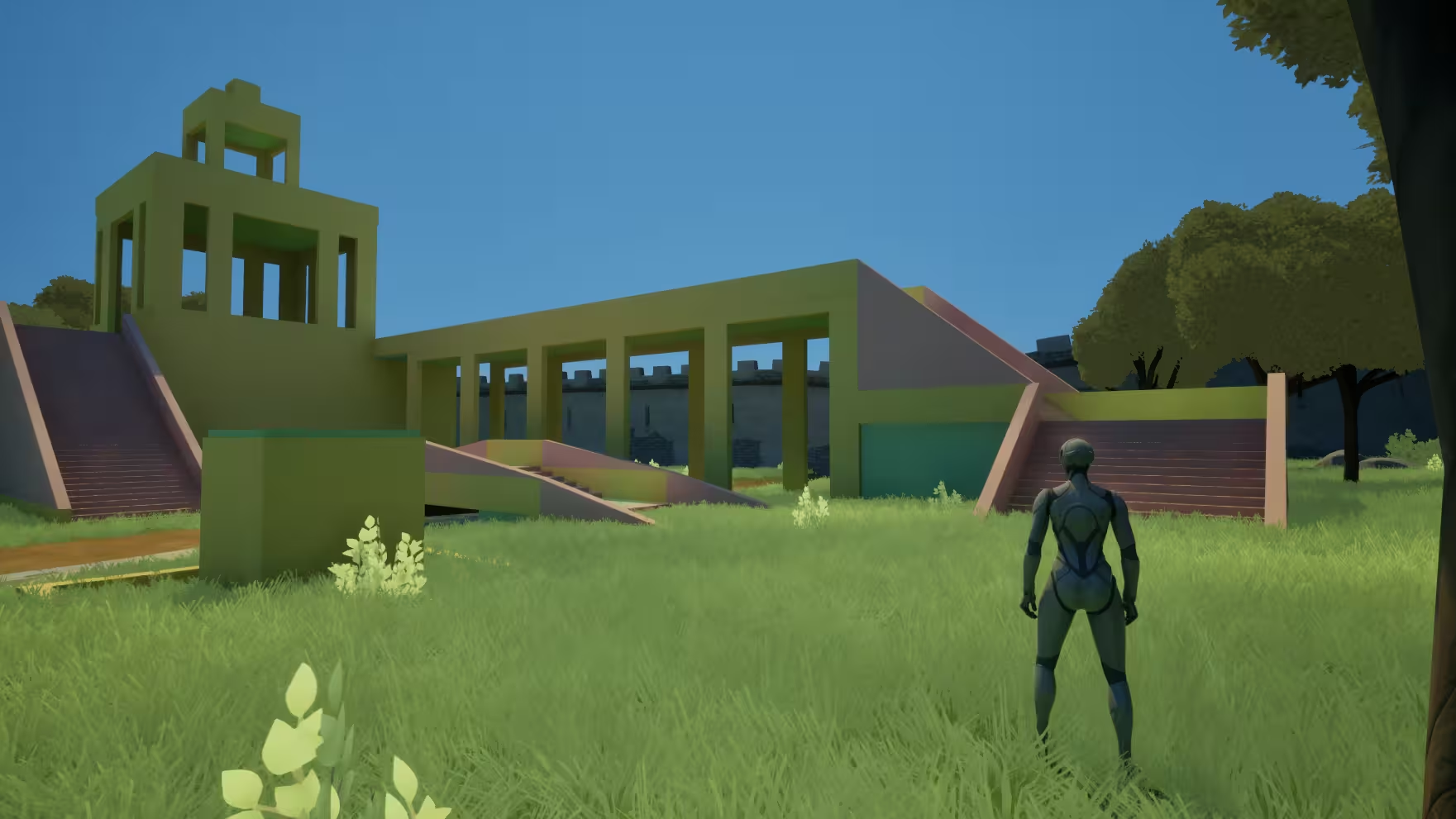
Navigate floors in a click
Cygon understands the levels of your build and moves you between them without fuss.
In practice
Your first minute in Cygon
You draw a wall from one point to another, and that is the entire interaction. No tool palette to configure, no layers to set up, no import wizard: the interface shows placement controls because you are placing, and nothing else.
Move on to props and the context follows you. Drag an asset into the scene and it lands snapped and clean; climb to the next floor and Cygon has already detected it. You never manage the software, you only make spatial decisions.
Under the hood
Designed around moments, not menus
Cygon's interface is organised around what you are doing right now: blocking out volumes, placing props. Each mode exposes its own handful of controls and nothing else, so the software never asks you to know things you do not need yet.
That choice is what removes the learning curve. You do not memorise a tool: you recognise the three or four controls in front of you, use them, and the next moment brings its own.
Why it matters
Simple does not mean limited
The simplicity is in the interaction, not in what you can build. Multi-storey structures, openings, staircases and prop sets are all there: they just do not require a manual.
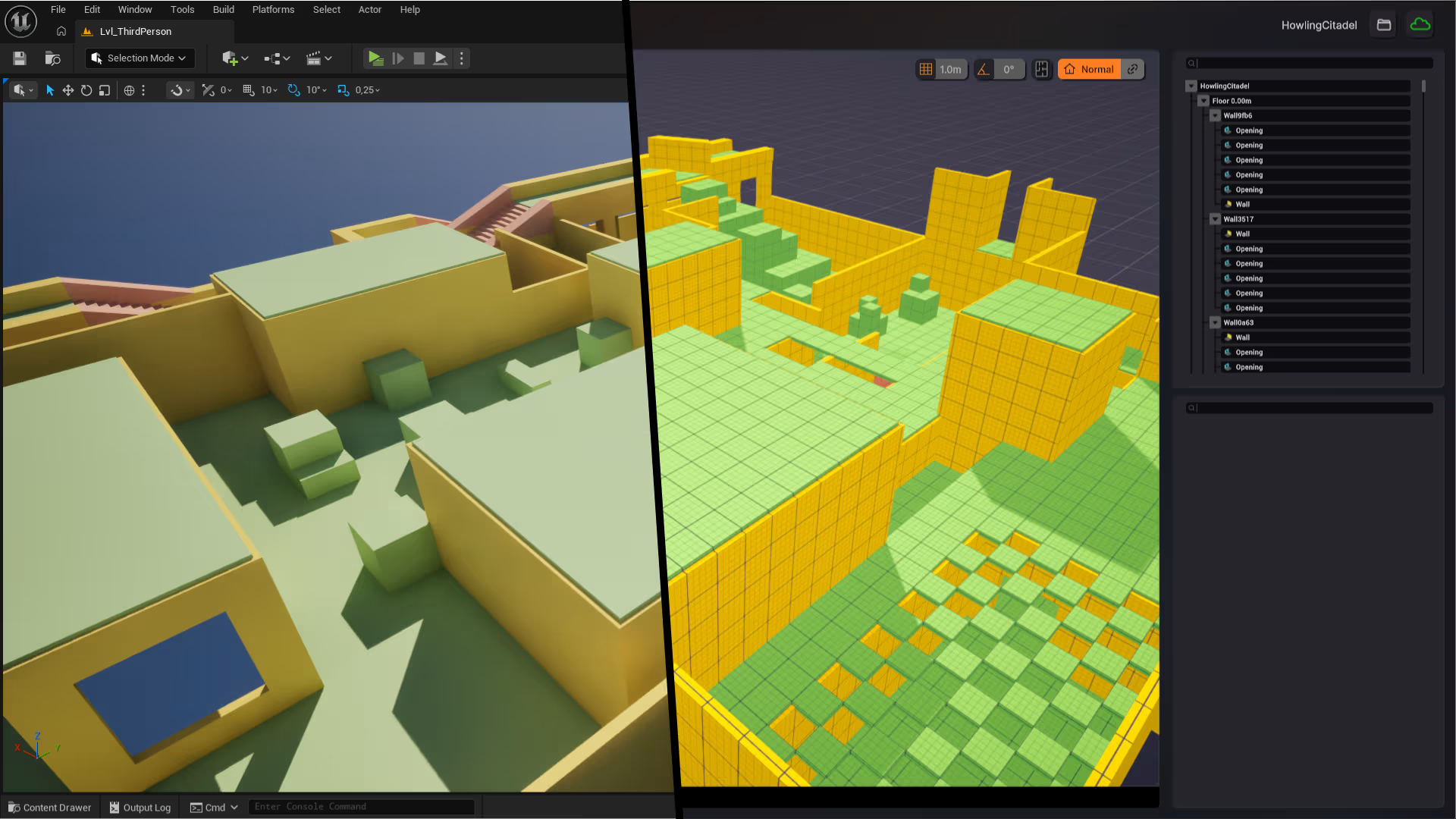
And because every gesture produces clean geometry underneath, the simplicity survives export: what you build fast in Cygon arrives structured in your engine, not as a mess to clean up.
Discover the other features
Each feature handles one part of your workflow, from first sketch to playable level.
The rest of your toolkit.
Each feature covers one part of the workflow. Together, they take you from first sketch to playable level.



Start building your next environment today
No credit card. No time limit. Your first blockout is 30 minutes away.